
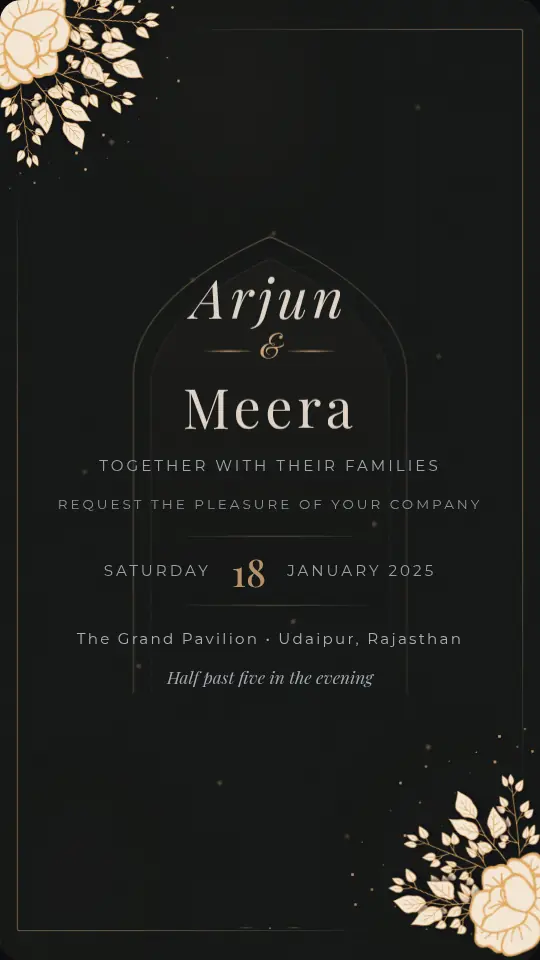
 Premium VideoPreviewCelestial BloomWedding, Premium design. Open preview
Roka, sagai and save the date
Engagement and save the date invitations
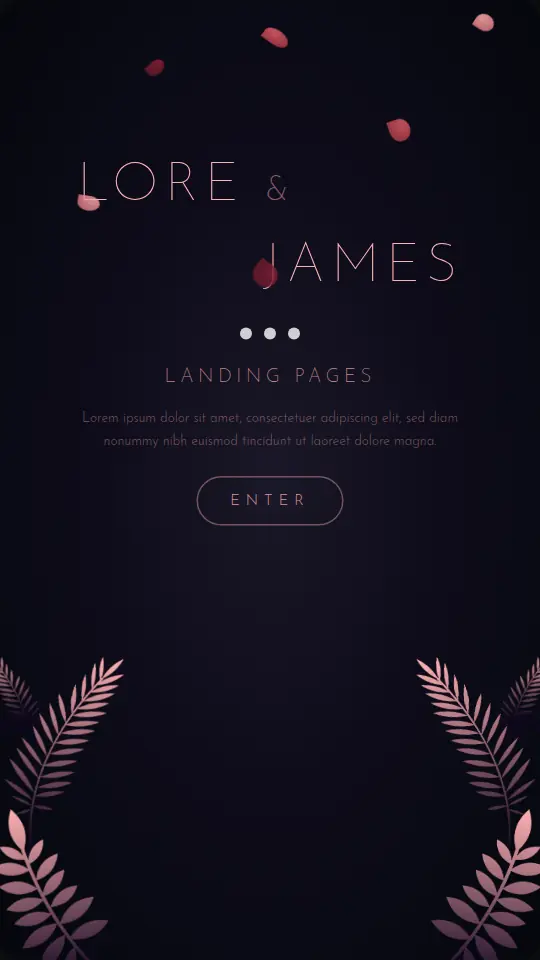
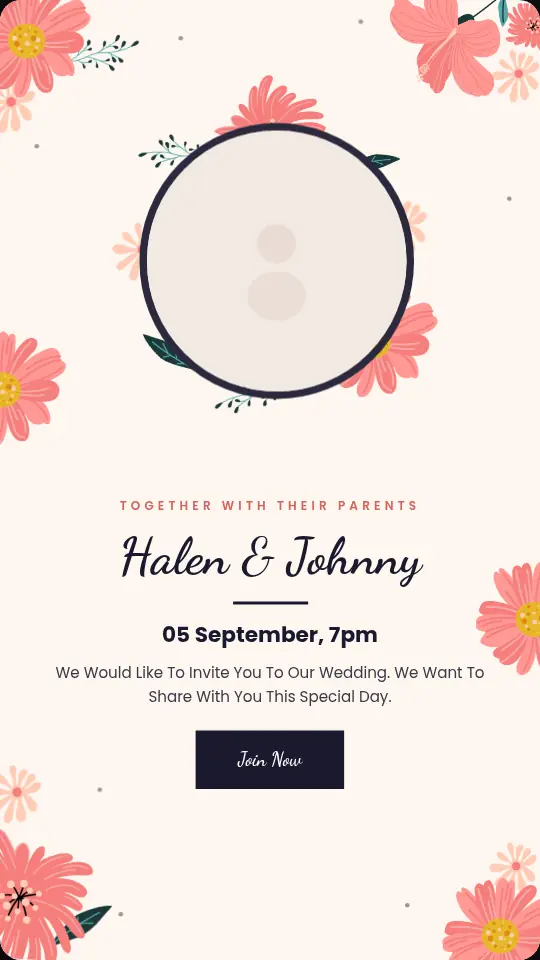
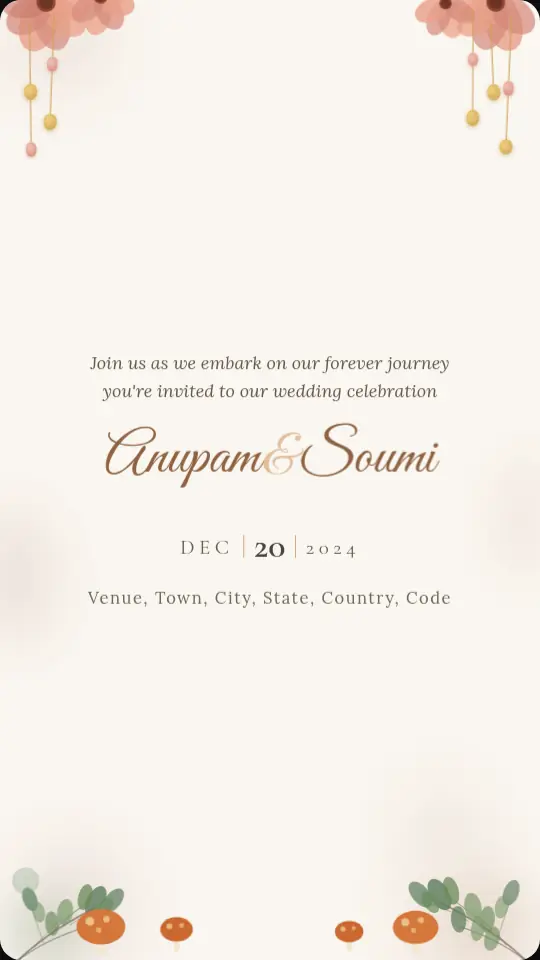
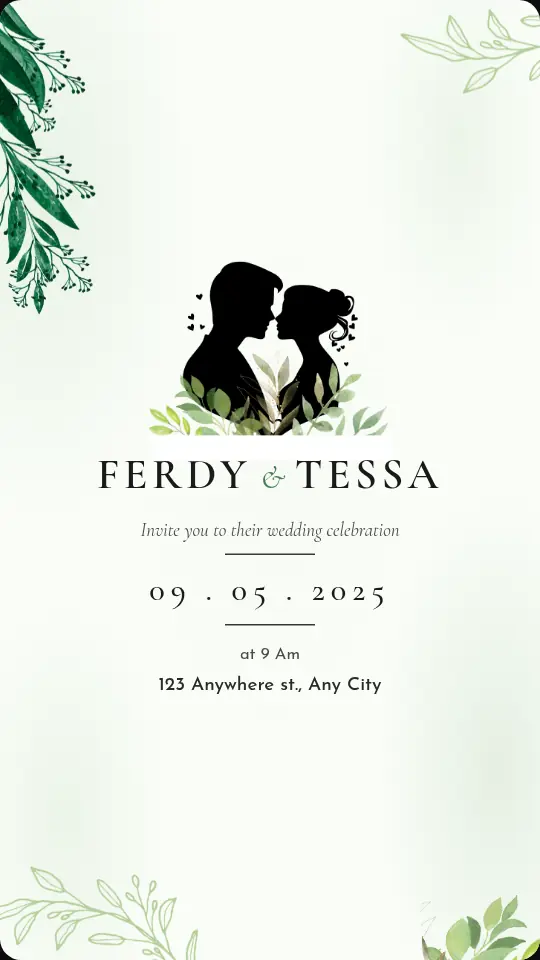
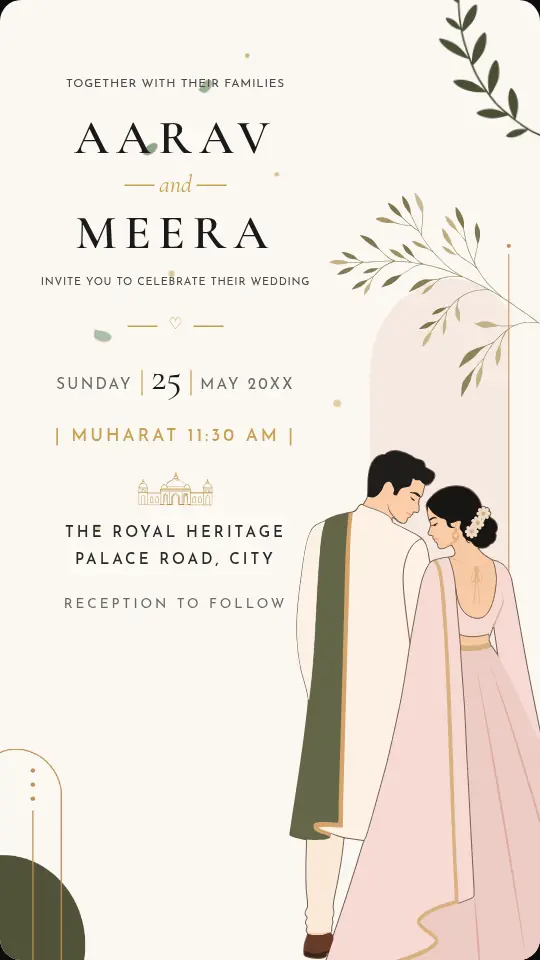
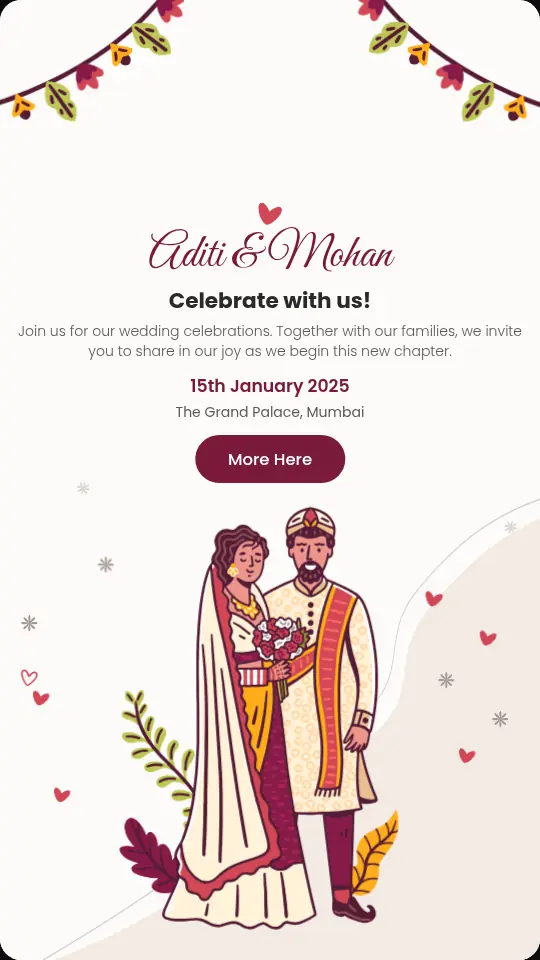
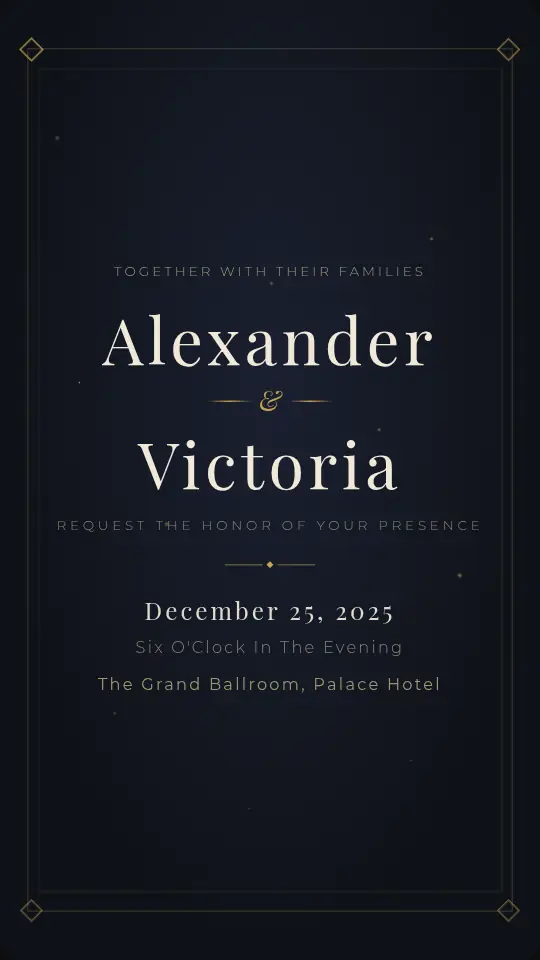
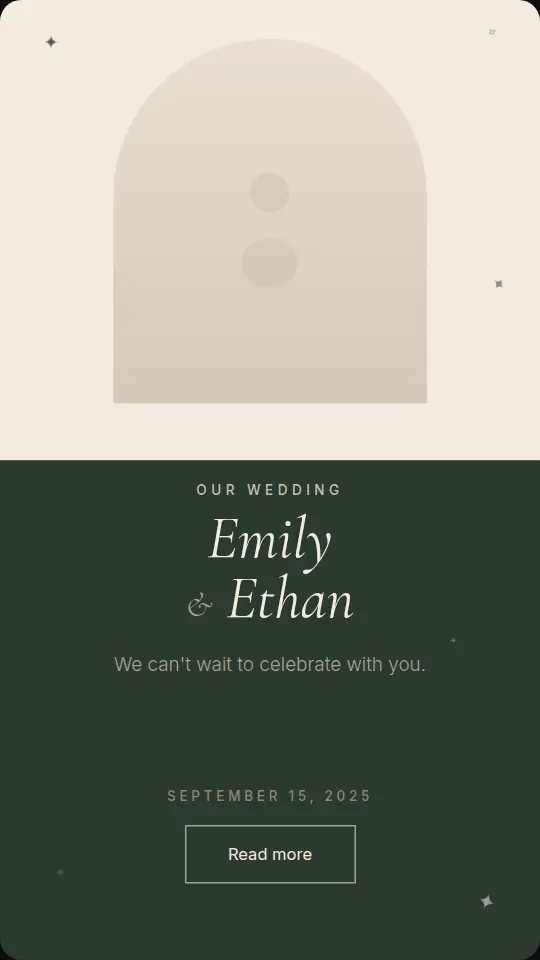
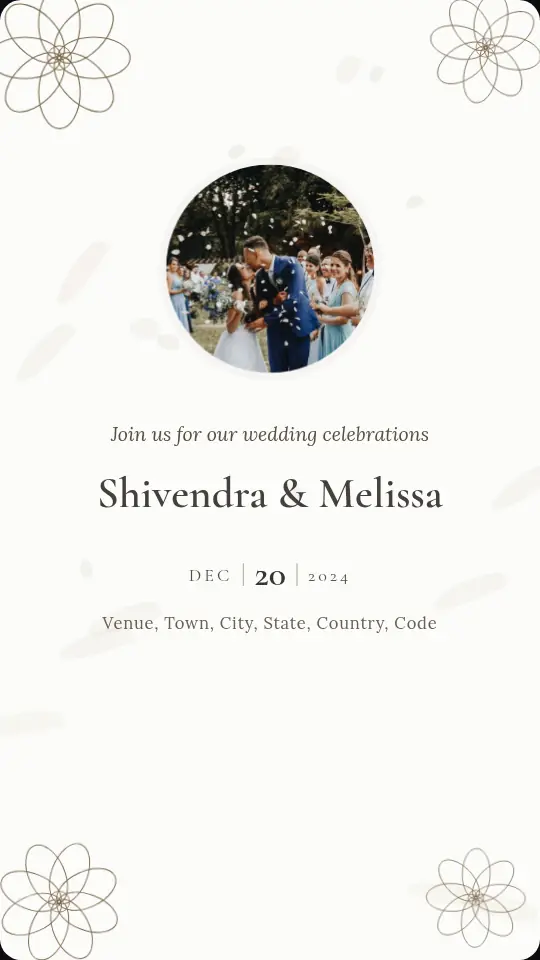
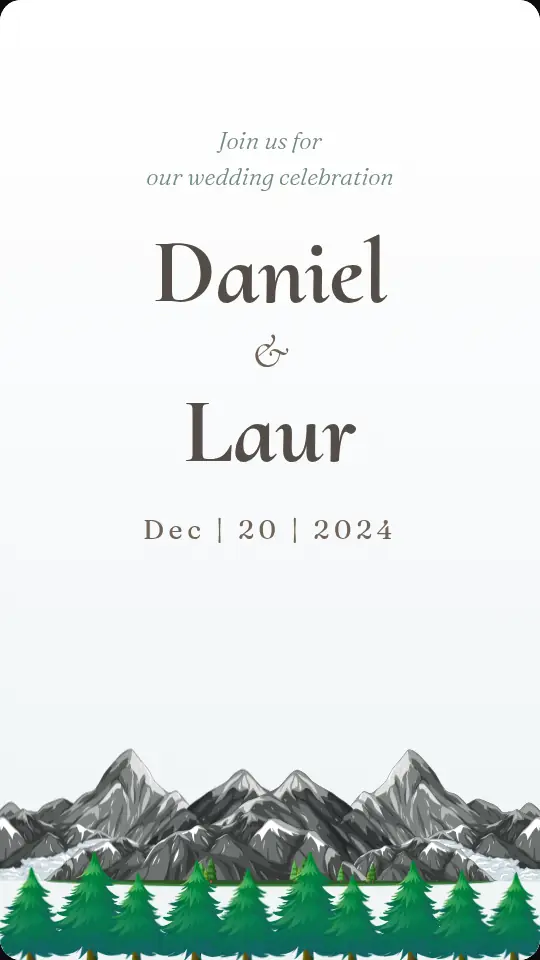
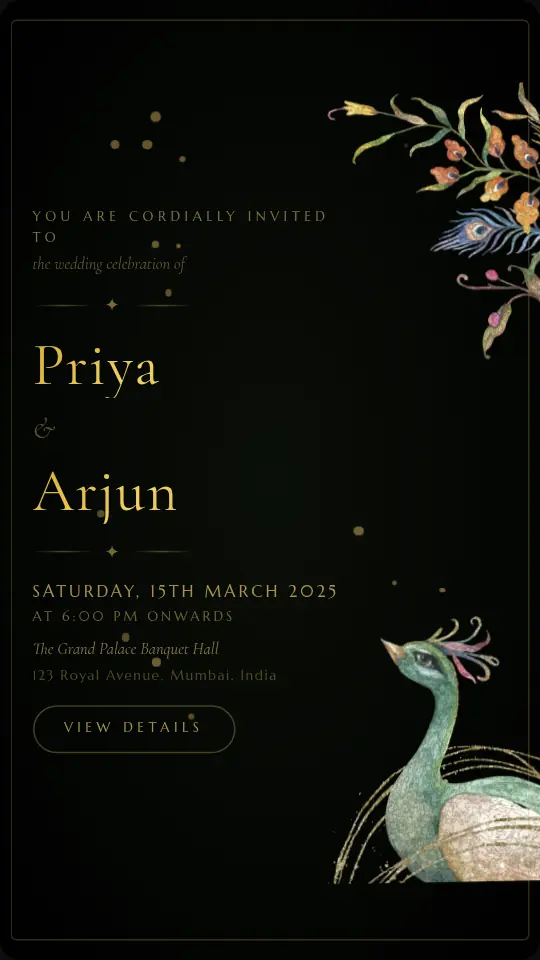
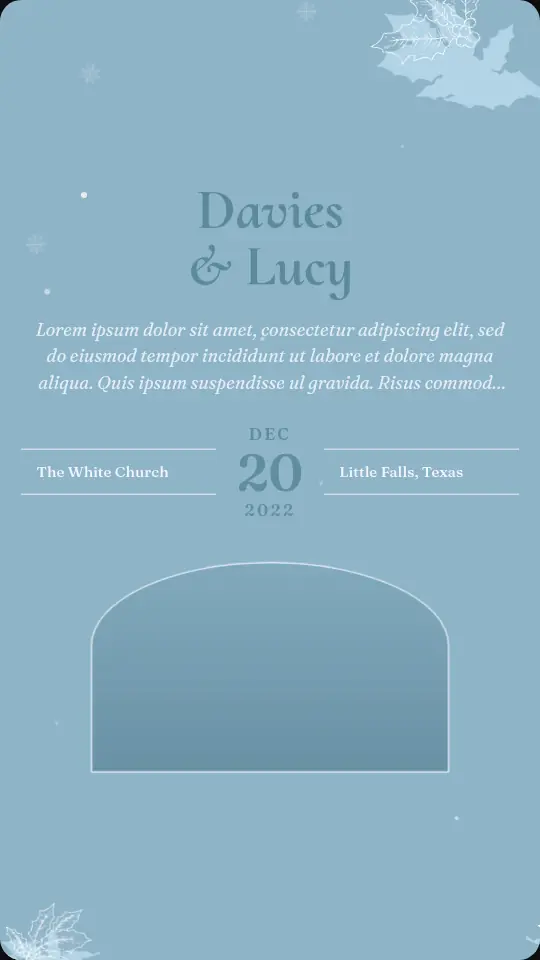
Announce the roka, sagai or ring ceremony with an invite that moves. These designs come from our wedding collection: add both names, the date and the venue, and rewrite the tagline to say engagement ceremony or save the date. Share one link on WhatsApp and guests RSVP in a tap.
- 17 designs, 9 free
- No app for guests
- RSVPs built in
Engagement invitations
Tap any design to see it animate.
17 designs
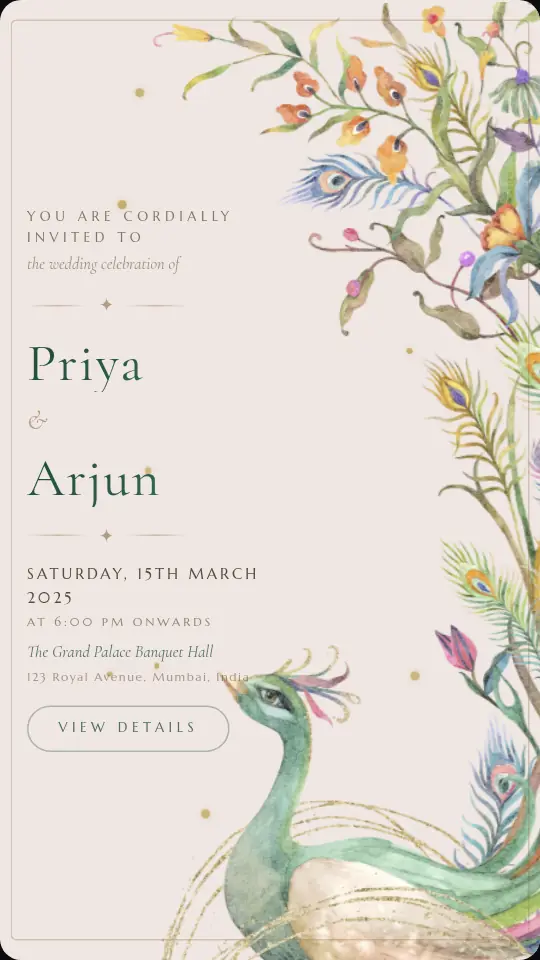
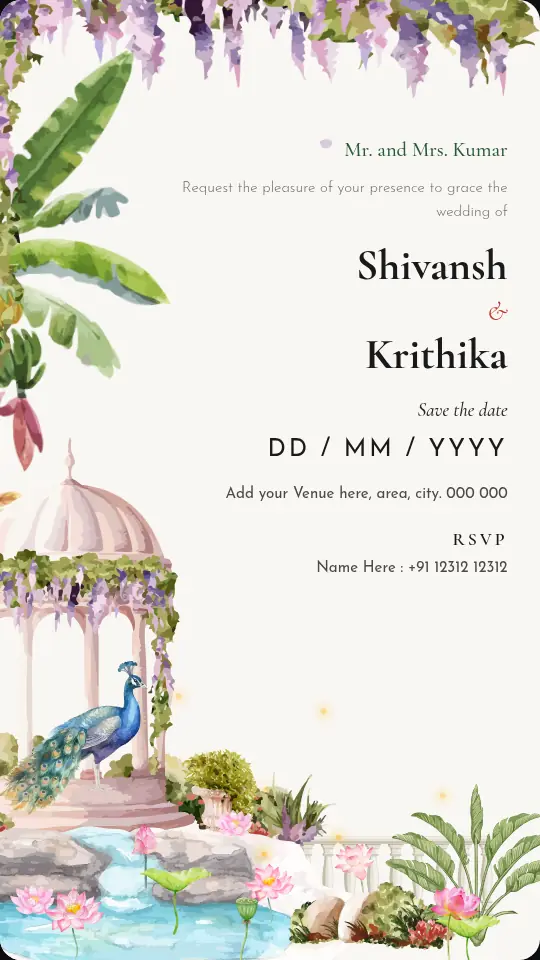
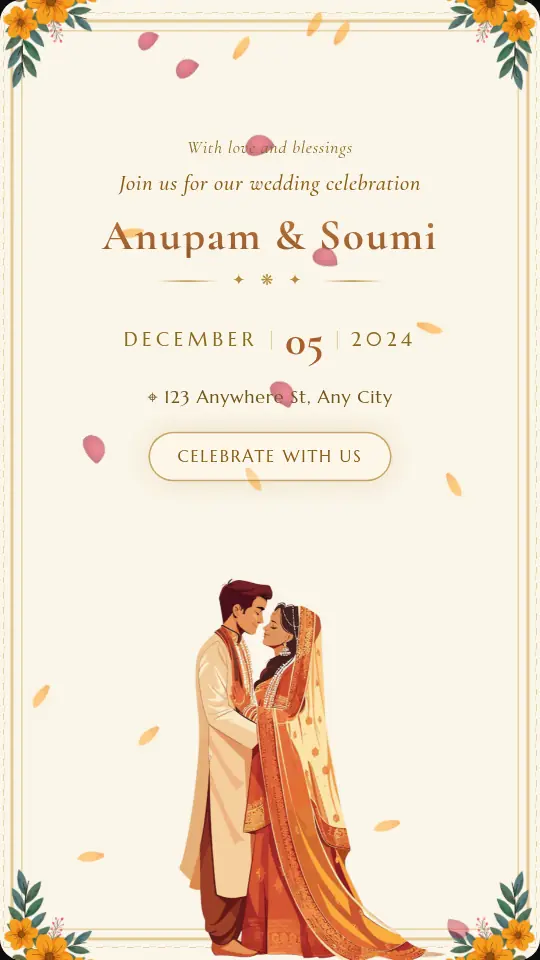
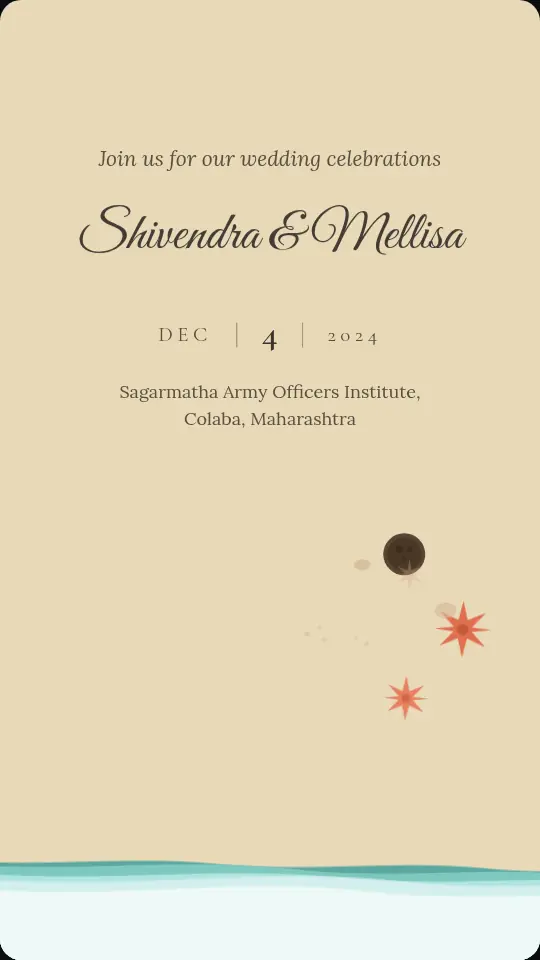
From save the date to the big day
Send a save the date as soon as the muhurat is fixed, so outstation family can plan travel early. When the details are final, edit the same invite and publish again: the link stays the same, so guests always see the latest date and venue.
Want a matching wedding invite later? Duplicate the engagement invite from My invites and change the wording, so both events share one look.
- Roka
- Sagai and ring ceremony
- Save the date
- Engagement party
- Pre-wedding dinner
Simple
Ready to share in three steps
Pick a design
Wedding, engagement, birthday, corporate or sports. Tap any design to preview it live.
Add your details
Type names, date and venue. The invite animates as you type, so you see exactly what guests will see.
Share and track
Publish one link for WhatsApp, collect RSVPs, and download an MP4 for Status and Reels.
Free to customise, share and collect RSVPs. ₹499 one-time per invite removes the watermark and adds HD video. See pricing
Questions
Engagement invitations: FAQ
Is there a separate engagement design?
Engagement invites use the wedding collection, since they need the same names, date and venue. Most designs have a tagline or subtitle line you can rewrite, for example to Engagement ceremony or Save the date.
When should we send a save the date?
Many couples send it two to three months ahead, and earlier for a destination wedding where guests need to book travel. You can send it before every detail is final and update it later.
Can I change the date after sharing the link?
Yes. Open the invite from My invites, edit it and publish again. The link stays the same, so everyone who already has it sees the new details.
Can I see who is coming to the engagement?
Yes. Every published invite has an RSVP form. Guests reply with their name and how many are coming, and you can see and download the list from My invites.
Is Kamero Invites really free?
Yes. You can customise any design, preview it and publish a free design as a shareable link at no cost, with a small "Made with Kamero" mark. You only pay if you want the ₹499 unlock for a particular invite.
More occasions
Make your invite in minutes.
It's free to try, and you'll see it animate with your own names before you share.
Pick your design