
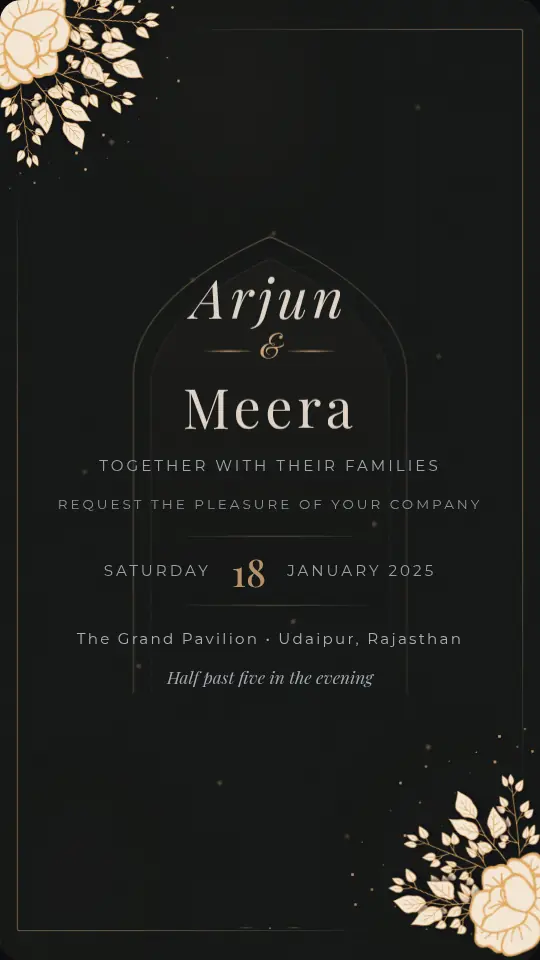
 Premium VideoPreviewCelestial BloomWedding, Premium design. Open preview
Shaadi invites
Animated wedding invitations for WhatsApp
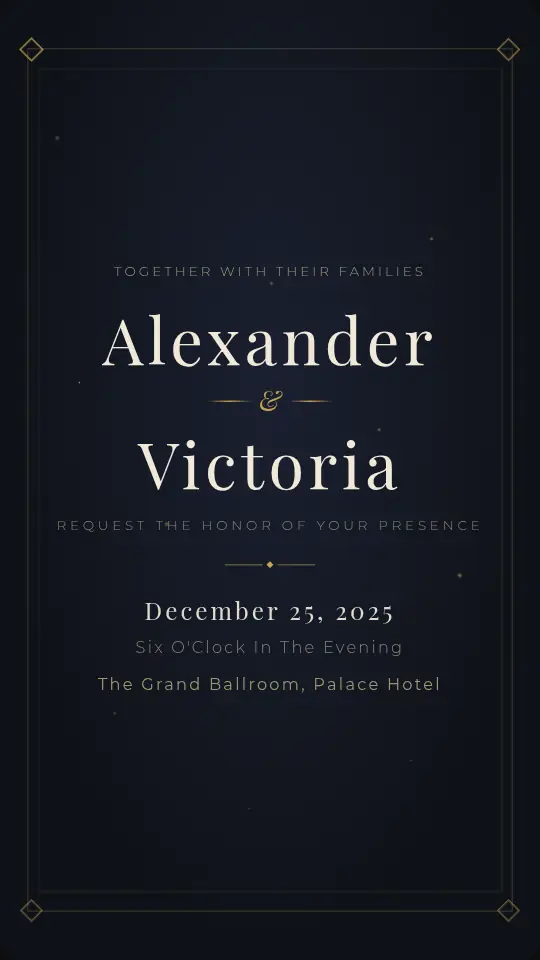
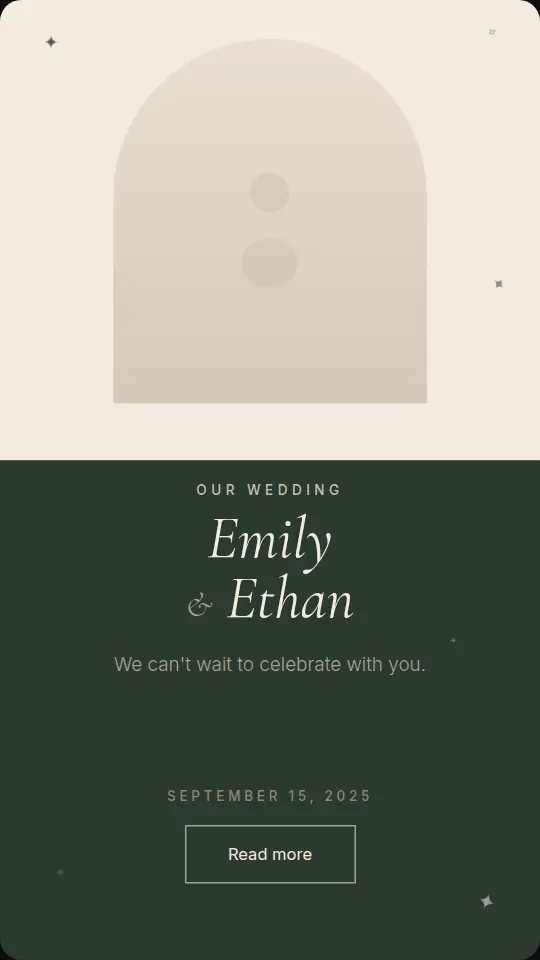
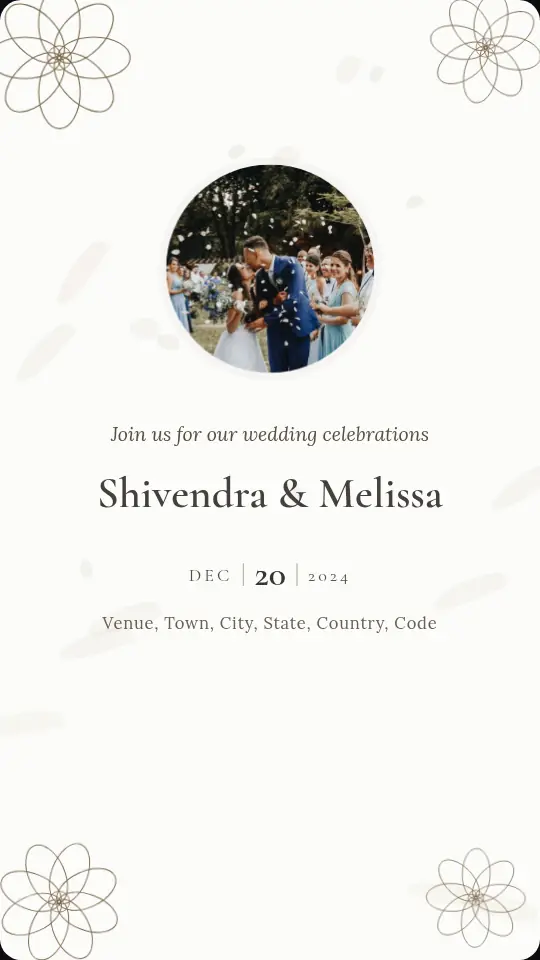
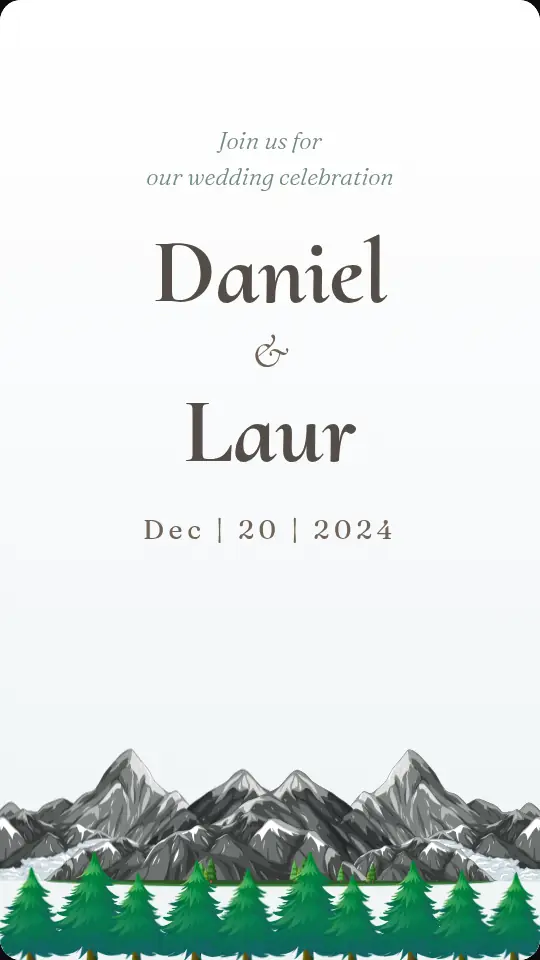
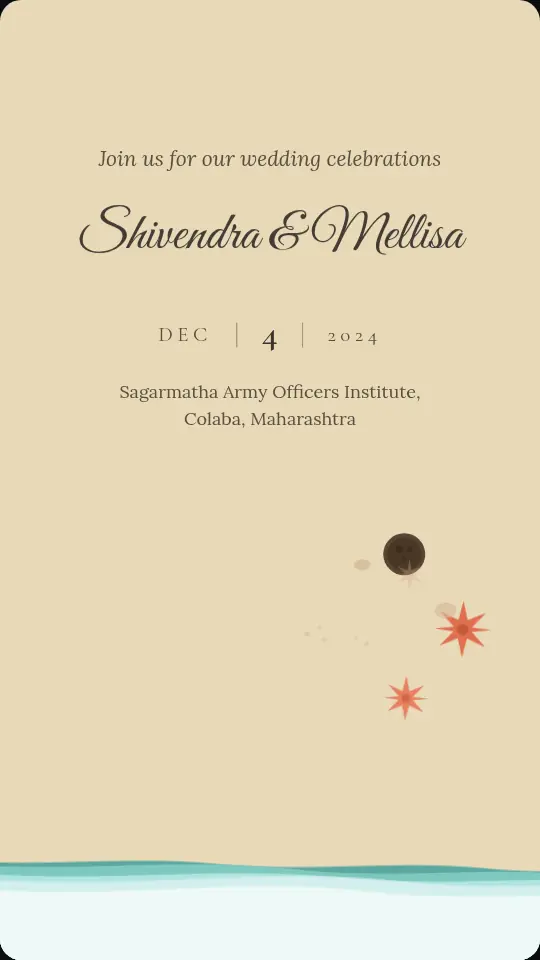
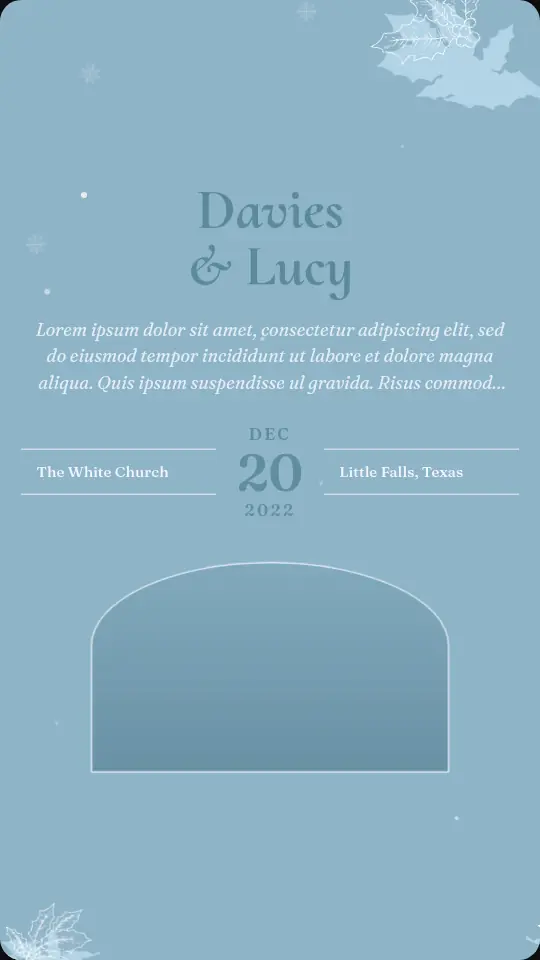
Royal palaces, peacocks, florals and clean modern designs, made to open on any phone. Type the couple's names, the date and the venue, then share one link with every family group on WhatsApp. Guests watch the invite animate, tap for directions, add it to their calendar and RSVP in a tap.
- 17 designs, 9 free
- No app for guests
- RSVPs built in
Wedding invitations
Tap any design to see it animate.
17 designs
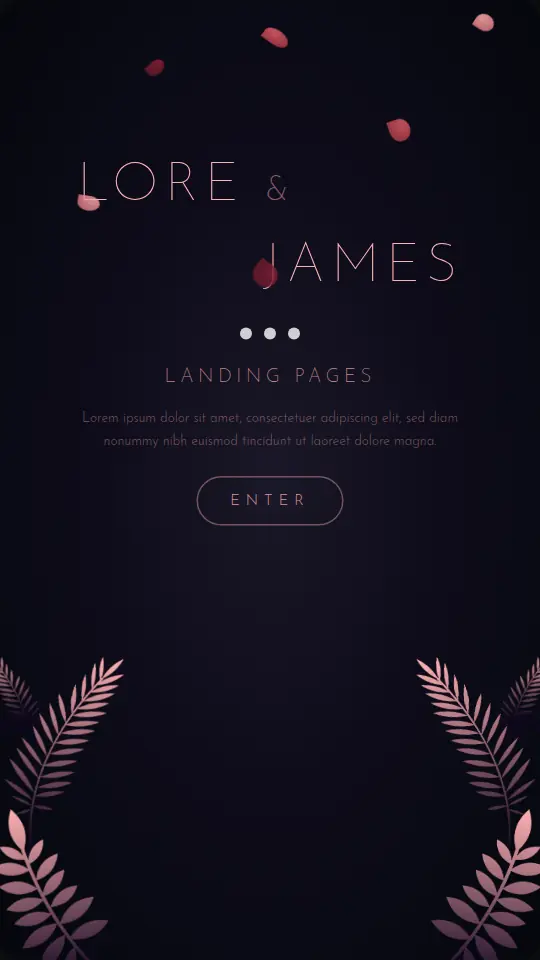

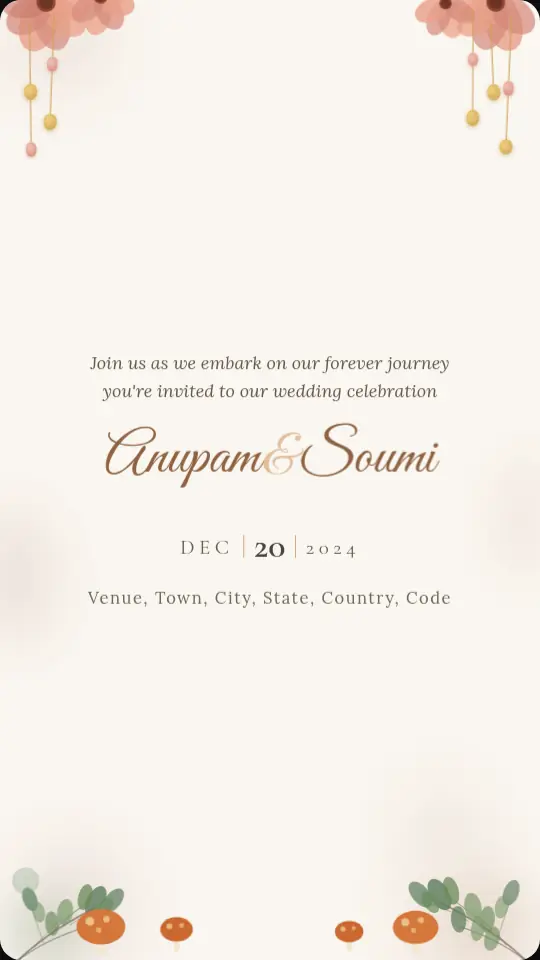


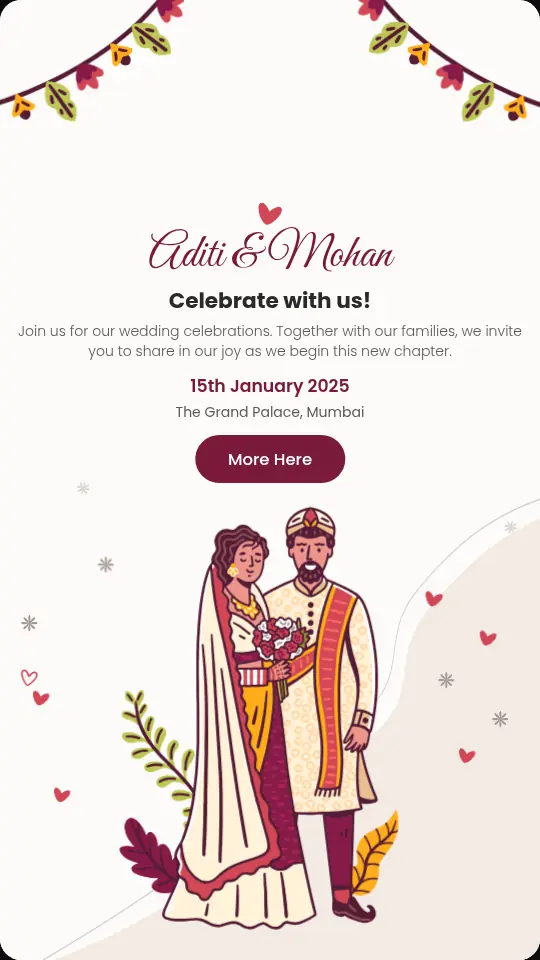
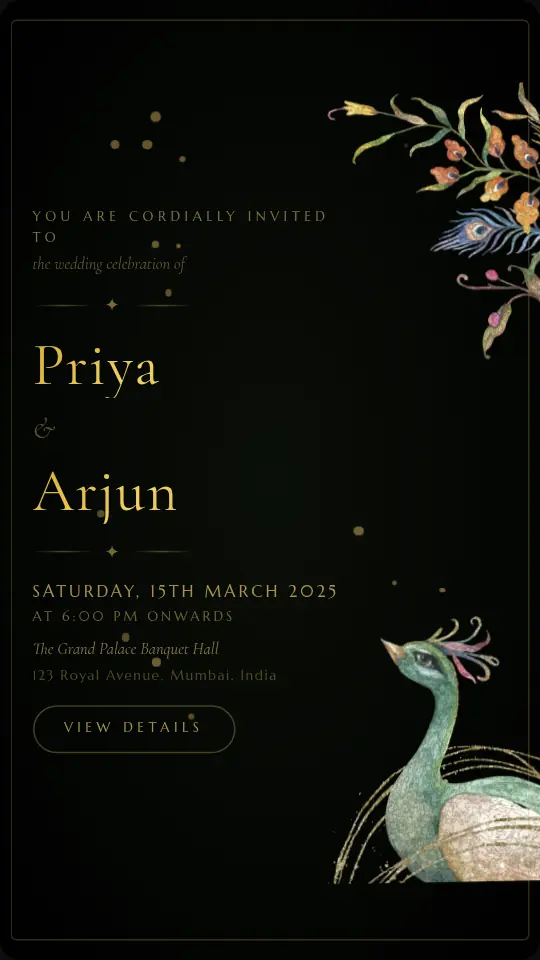
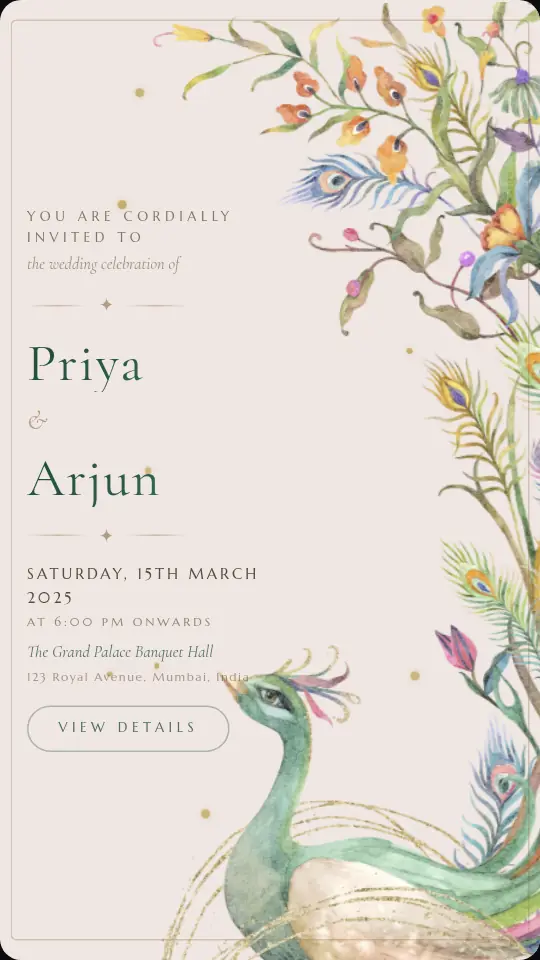
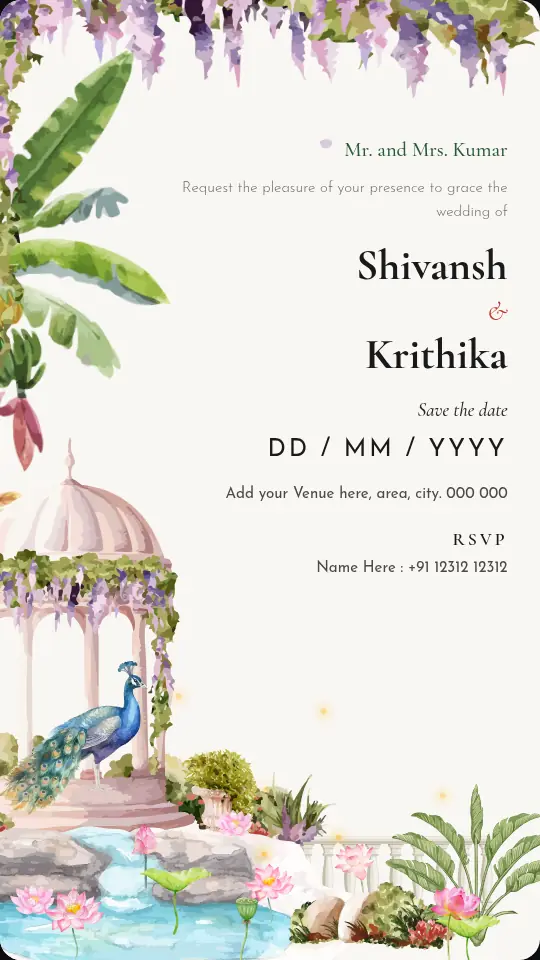
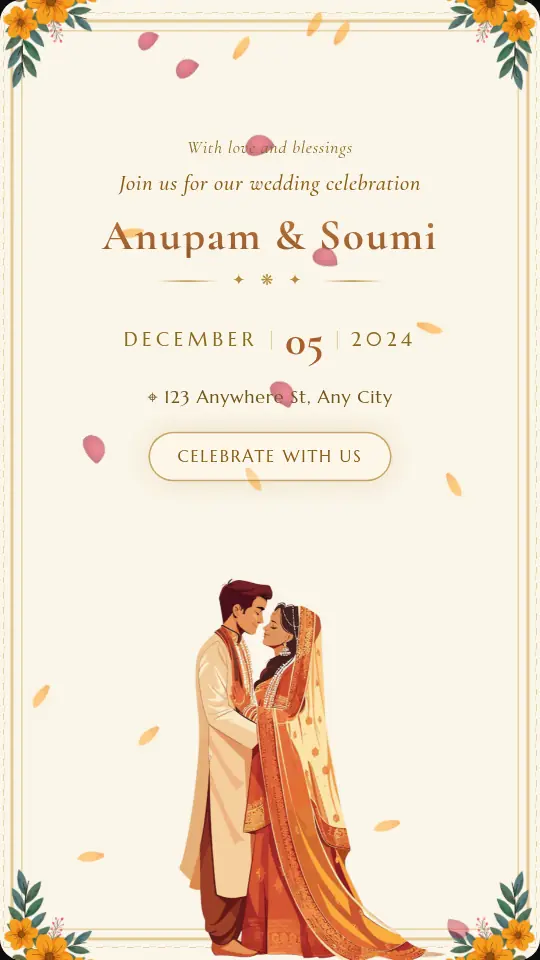
One invite for every function
An Indian wedding is rarely one event. Make a separate invite for the haldi, mehendi, sangeet and reception, each with its own date, venue and RSVP list, so relatives only see the functions they are invited to.
Finish the main wedding invite first, then open My invites and choose Duplicate to start the next function from the same design. Any of them can be downloaded as an MP4 for WhatsApp Status or Instagram Reels.
- Shaadi and vivah
- Sangeet night
- Mehendi
- Haldi
- Reception
- Destination wedding
Simple
Ready to share in three steps
Pick a design
Wedding, engagement, birthday, corporate or sports. Tap any design to preview it live.
Add your details
Type names, date and venue. The invite animates as you type, so you see exactly what guests will see.
Share and track
Publish one link for WhatsApp, collect RSVPs, and download an MP4 for Status and Reels.
Free to customise, share and collect RSVPs. ₹499 one-time per invite removes the watermark and adds HD video. See pricing
Questions
Wedding invitations: FAQ
Can I make separate invites for the haldi, mehendi and sangeet?
Yes. Every invite is its own link with its own date, venue and RSVP list. Finish your wedding invite, then open My invites and choose Duplicate to start the next function from the same design.
How do I send the wedding invite on WhatsApp?
Publish the invite and tap Share on WhatsApp. The link shows a preview card with your names and date, so you can send it to family groups and individual chats. Guests tap it to open; no app is needed.
Can guests tell me how many people are coming?
Yes. Guests answer Yes, Maybe or No and add how many are coming. You can also add your own questions, such as a phone number or which functions they will attend, and download every reply as a CSV from My invites.
Can I post the invite as a WhatsApp Status video?
Yes. Export an MP4 in square or 9:16 story format. Free exports are standard quality with a small watermark; an unlocked invite exports clean in HD.
Is Kamero Invites really free?
Yes. You can customise any design, preview it and publish a free design as a shareable link at no cost, with a small "Made with Kamero" mark. You only pay if you want the ₹499 unlock for a particular invite.
More occasions
Make your invite in minutes.
It's free to try, and you'll see it animate with your own names before you share.
Pick your design